
Planning a Multi-Stop Route in Google Maps (and Where It Stops Working)
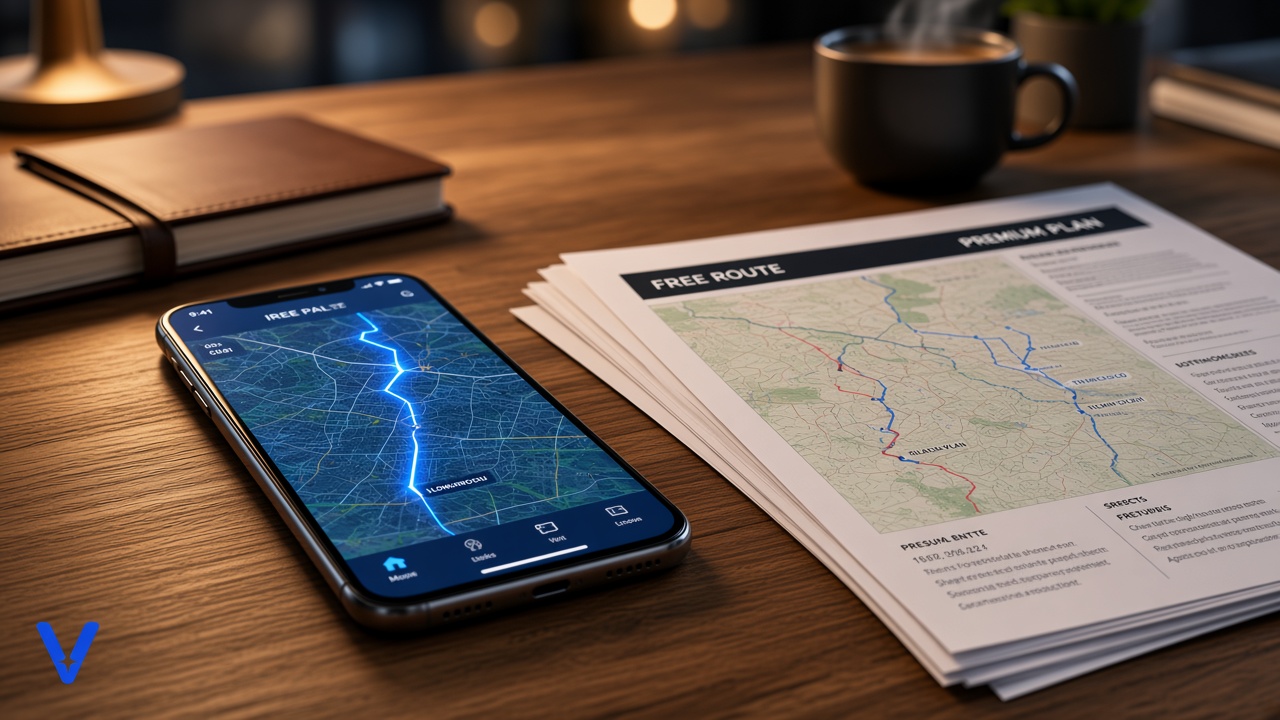
Short answer: Google Maps lets you add up to 9 stops to a route, including the final destination, for driving, walking and cycling. It keeps the stops in the order you enter them. You can drag them into a different order, but Google Maps won't work out the best order for you, split drops across vans, or check delivery windows or van capacity.
For one van doing a handful of drops, that's often enough. For a multi-drop round of thirty or forty customers, it's a navigation tool, not a planning tool. Here's how to get the most from it and where it runs out.
How to add multiple stops in Google Maps
Enter your start point and first destination as normal, then use "Add stop" (on the phone app, it's in the three-dot menu on the directions screen; on desktop, it's the plus button under the destinations). Repeat until you've added every stop, then drag the stops to put them in the order you want to drive them. Per Google's own help page, "You can add up to 9 stops, which includes the final destination", and multiple destinations work for every mode except public transport and flights.
If your round starts and finishes at the depot, the depot counts as the final destination. That leaves 8 stops for actual drops.
Working around the 9-stop limit
The usual workaround is to split a longer round into legs: drops 1 to 8 in one route, then a new route starting from drop 8 for the next batch. It works, but it moves the planning back onto you. You decide the order before you split it, and Google Maps only navigates each leg as given. Nothing checks that the order across legs makes sense.
What Google Maps doesn't do for delivery rounds
Google Maps is excellent at getting a driver from one address to the next. The planning questions a multi-drop operation has to answer each day are different ones:
- Order: which sequence of drops gives the shortest day? Google Maps follows your order rather than choosing one
- Which van: with more than one vehicle, which drops go on which round? That's the part that takes planners the longest, and a map doesn't attempt it
- Delivery windows: a kitchen that needs its drop before 10am, or a shop that won't take deliveries after 2pm
- Van capacity: whether the round actually fits in the van, in cages, trays, pallets or kilograms
- Time at each drop: a ten-minute drop at each of forty customers adds over six hours to the day, and that's what decides whether a round fits inside a shift
When a map is enough, and when it isn't
If you run one or two vans, with fewer than ten drops each and no hard windows, planning the order in your head and navigating with Google Maps is a perfectly sensible setup. Once you're splitting drops across several vans every day, or customers have delivery windows you keep missing, the planning is the bottleneck rather than the navigation. That's the point to look at the free versus paid question properly, or at how people plan rounds in Excel as a middle step.
Keep Google Maps for the driving
Route planning software doesn't have to replace Google Maps for drivers. vRouted plans the rounds: it splits the day's drops across vans by capacity, orders each round against delivery windows, drop times and the driver's shift, and flags anything that won't fit. Each round then exports as a run sheet with a Google Maps link for every drop, so drivers navigate with the app they already use. See the route planning guide for UK multi-drop distributors for the wider picture.
About the author
Founder of Anteam, the East Midlands industrial AI company behind vRouted. She led development of Anteam's ant-colony-inspired route-matching platform, backed by the Department for Transport, Innovate UK and the University of Cambridge Institute for Sustainability Leadership.
Planning multi-drop rounds for a UK fleet? Read the guide to route planning software for multi-drop distributors.
Related articles

A practical way to plan multi-drop delivery rounds in a spreadsheet: the columns you need, how to split drops across vans, and the points where Excel stops being enough.
Read more
Step-by-step guide to implementing route optimisation in a delivery business, including best practices and common pitfalls to avoid.
Read more
Free route planners genuinely work for a while. Here's how to tell when you've outgrown one, using signals from your own operation instead of a vendor's upsell page.
Read moreReady to plan your rounds with vRouted?
Book a 20-minute call and see how vRouted plans your rounds against capacity, delivery windows and driver hours.